Nesta página
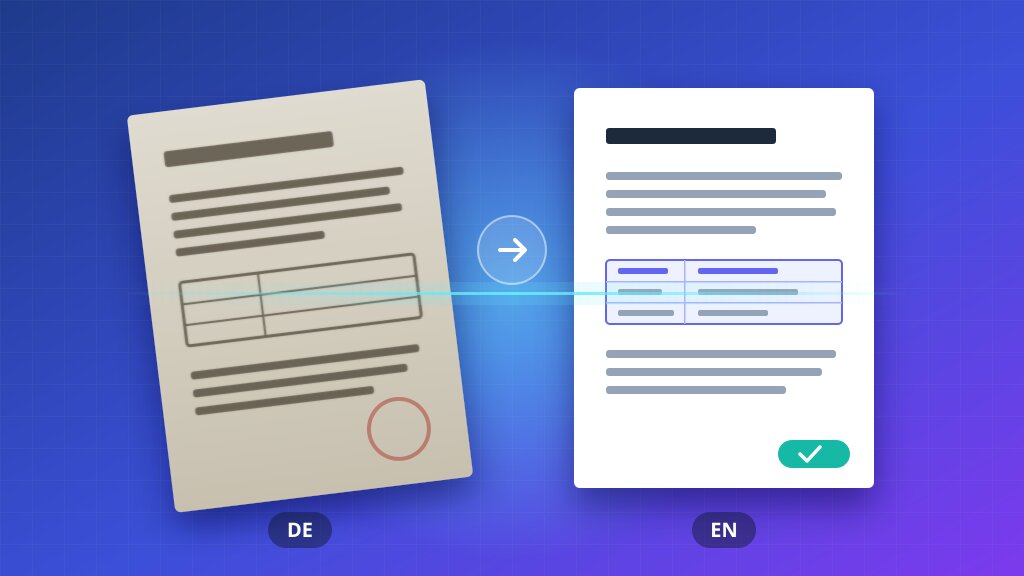
PDFs are built for printing, not editing. Text is placed at fixed positions on the page, so a simple copy, paste, and translate workflow usually ends with broken columns, overflowing boxes, and missing images.
This guide explains why that happens and how to get a translated PDF that looks like the original.
Why PDF Translation Breaks Layouts
A PDF does not store paragraphs the way a Word document does. It stores small runs of text with exact coordinates. When you translate, three things change at once:
- Length: German and Portuguese text is often 20 to 35% longer than English.
- Direction: Arabic and Hebrew read right to left.
- Glyphs: Japanese, Chinese, and Korean need fonts that the original file may not include.
A good translation keeps the structure and adapts the text to fit it.
A Step-by-Step Workflow
- Start from the best source. If you have the original Word or PowerPoint file, translate that instead of the exported PDF.
- Check that the text is selectable. Scanned PDFs are images, so their text has to be recognized first.
- Translate the whole document at once. Context from earlier pages keeps terminology consistent.
- Review the pages with the densest layouts. Tables, forms, and multi-column pages are where overflow shows up first.
- Proof with a native speaker for anything customer-facing or legal.
What to Check Before You Share It
| Element | What to look for |
|---|---|
| Tables | Cells still aligned, no text cut off |
| Headers and footers | Page numbers and dates translated or kept as needed |
| Images with text | Labels in screenshots and diagrams translated |
| Links | Internal links still point to the right page |
Common Mistakes
The most expensive translation error is the one nobody notices until the document is already printed.
Avoid translating brand names, product codes, and legal entity names. Keep a short glossary of terms that must stay the same, and reuse it across documents.
Wrapping Up
Translating a PDF well is mostly about respecting its structure. Start from the cleanest source, translate in context, and review the pages that carry the most layout. The result is a document your readers can trust in their own language.